DP

YOUR PRACTICE

THE DAY AHEAD

Today’s appointments

NEEDS YOUR ATTENTION

Prescription renewals

0

RECENTLY ADDED

Patient directory

Mona's Astro website

The newest GitHub updates, organized for busy developers.

Mona’s GitHub Info site now leads with what is freshest from the GitHub Blog and Changelog, then gives readers the docs context they need lower on the page.

1featured release headline
6content-backed update cards
3docs references for deeper learning
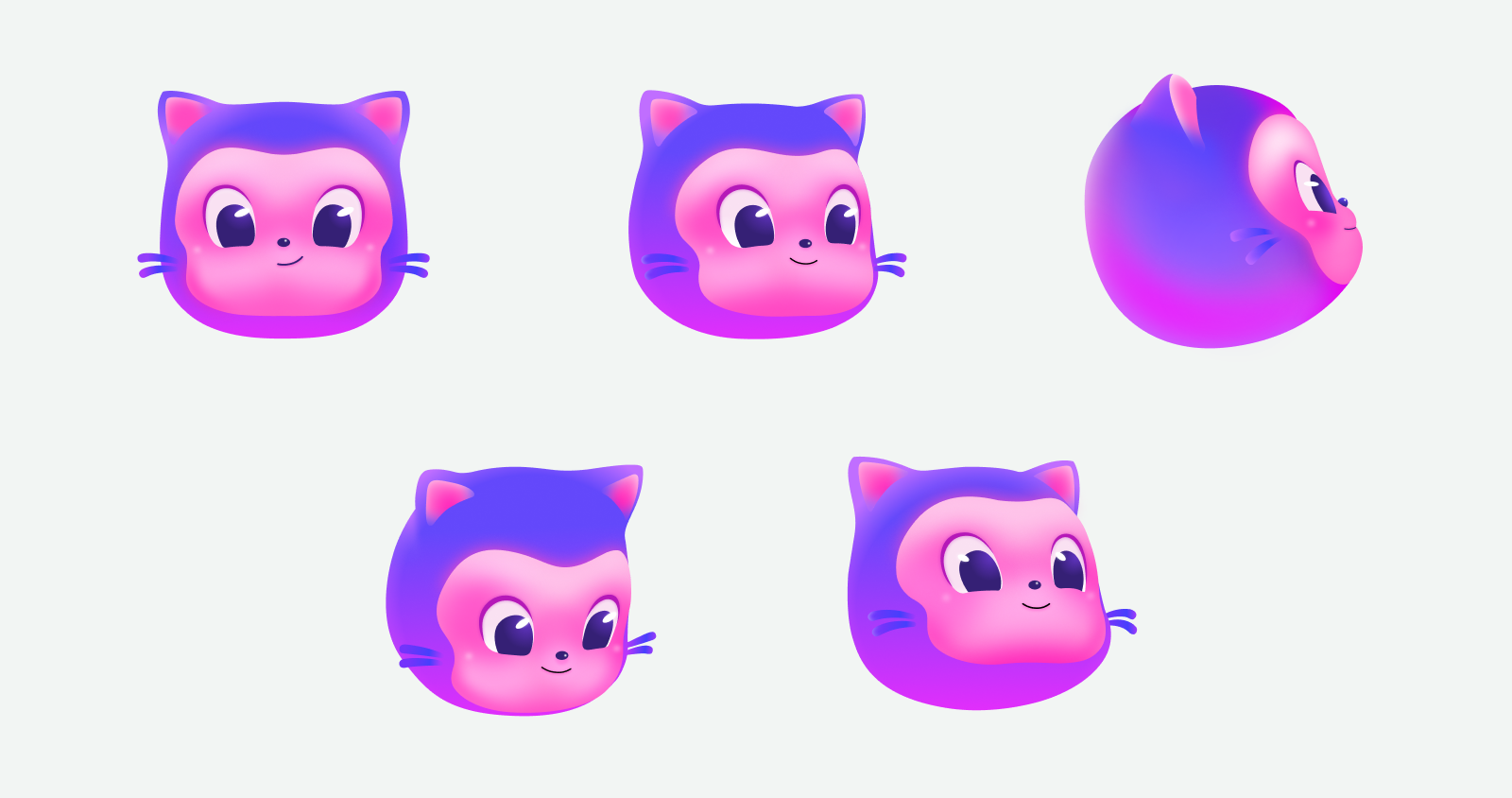
Mona character artwork

Mona

Curates the signal from GitHub’s fastest-moving updates
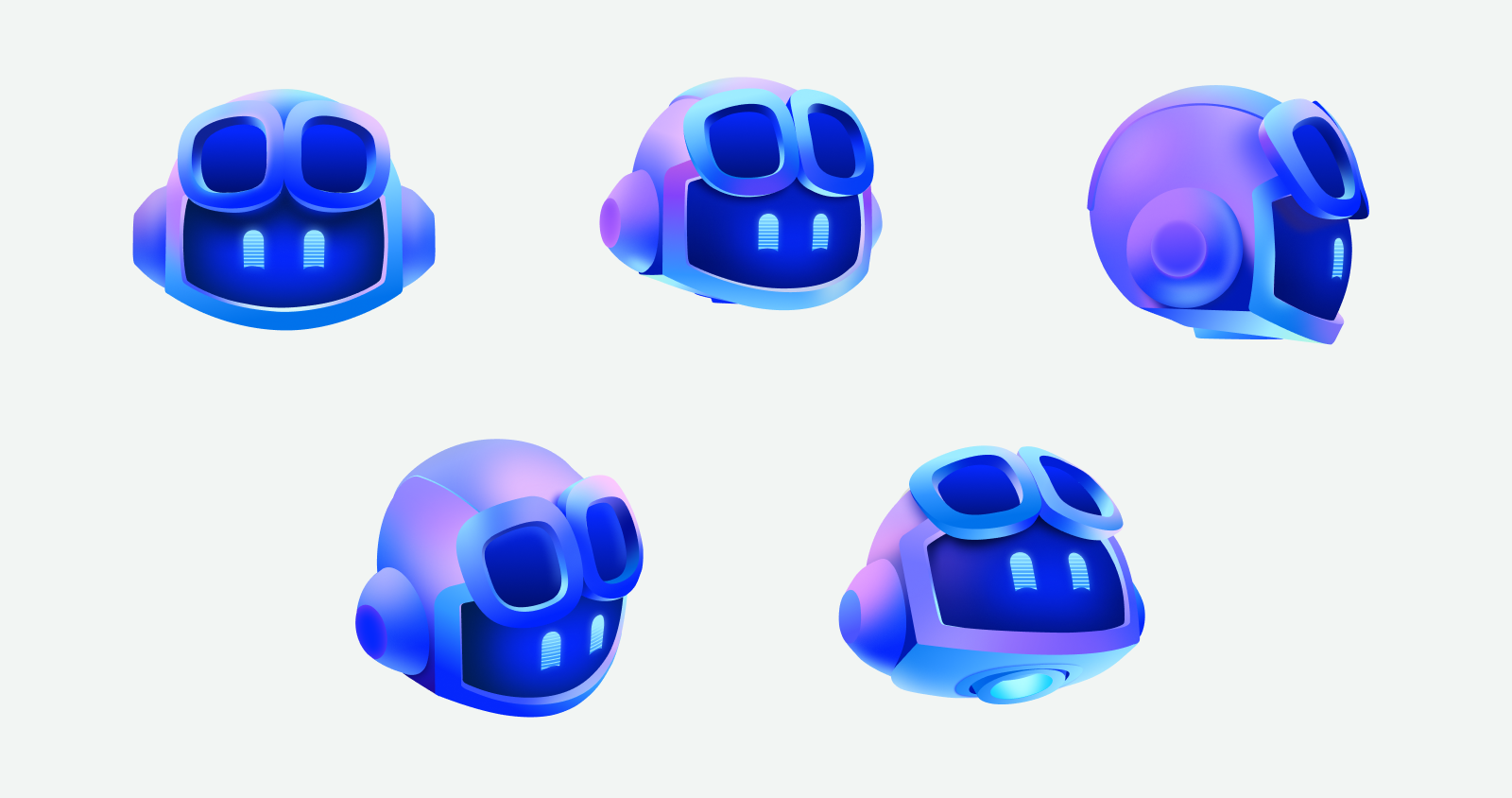
GitHub Copilot artwork

Copilot

Helps summarize and shape the newest information
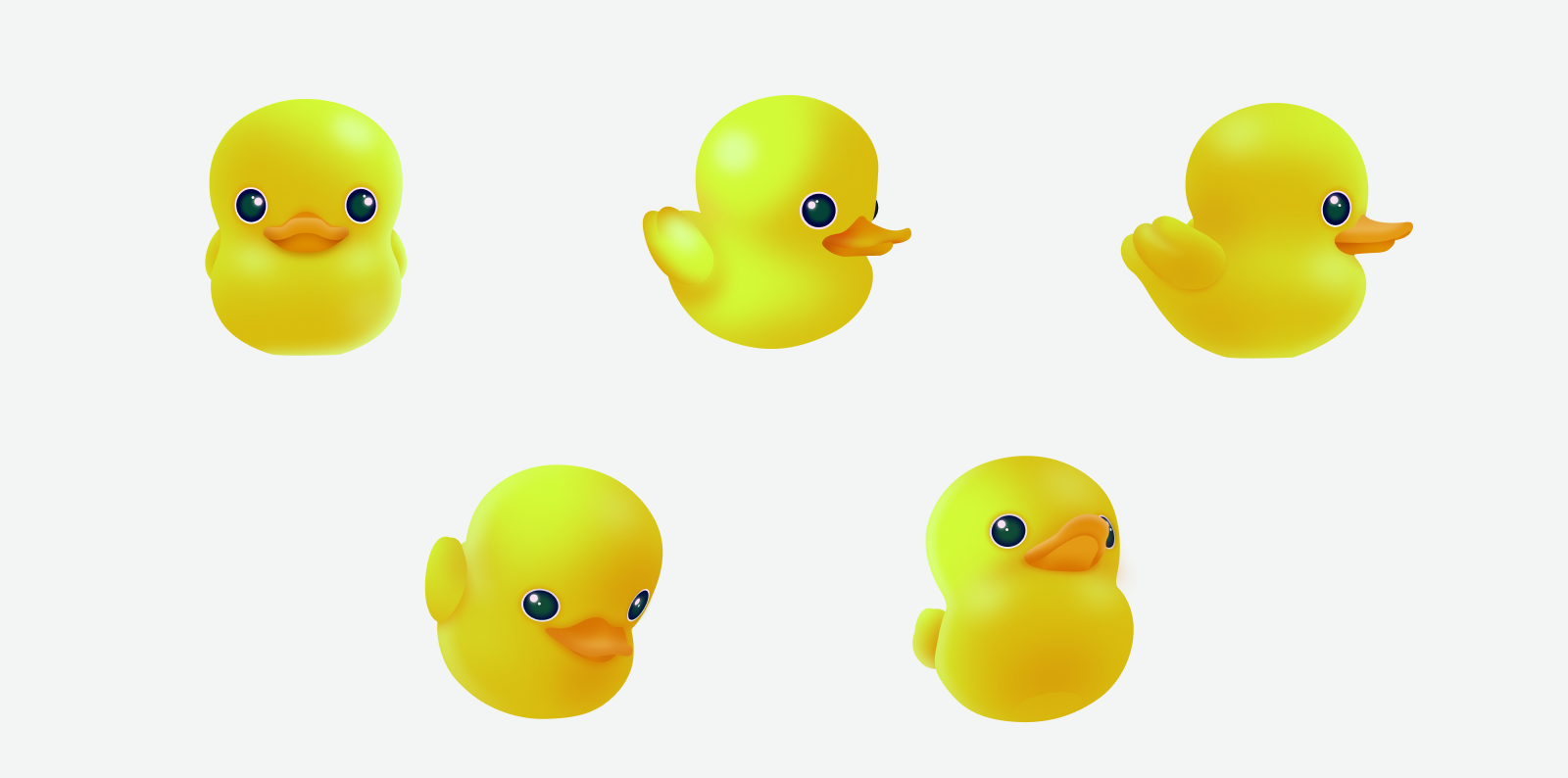
Ducky character artwork

Ducky

Keeps the homepage cheerful and approachable
Latest release highlight

Secret scanning in AI coding agents via the GitHub MCP Server

GitHub Changelog · March 17, 2026

GitHub now supports secret scanning in AI coding agents through the GitHub MCP Server, helping teams catch exposed credentials and sensitive data earlier in automated coding flows.

Open changelog item
Copilot artwork next to the latest release headline
Newest information first

Repository notes, blog stories, and changelog updates

Mona now surfaces updates from site/content/github-info.md alongside curated GitHub Blog and Changelog stories, so the homepage changes when the repository content changes.

GitHub Changelog

March 20, 2026

Copilot usage metrics now resolve auto model selection to actual models

Organizations now get clearer visibility into which underlying models were actually used when Copilot auto model selection is enabled.

Read official source
GitHub Changelog

March 19, 2026

View code and comments side-by-side in pull request Files changed page

GitHub improved pull request review by letting developers see code and review comments together in one view.

Read official source
GitHub Blog

March 19, 2026

How Squad runs coordinated AI agents inside your repository

This deep dive explains how repository-native multi-agent workflows can stay inspectable, predictable, and collaborative.

Read official source
GitHub Blog

March 19, 2026

Rethinking open source mentorship in the AI era

GitHub explores a practical framework for scaling mentorship as AI-driven contributions increase across open source projects.

Read official source
From github-info.md

October 4, 2026

Mona's editorial angle

Mona's website focuses on practical GitHub guidance backed by official references from:

  • docs.github.com
  • github.blog
  • github.blog/changelog
Review repository content
From github-info.md

October 4, 2026

Current homepage themes

GitHub collaboration basics: repositories, branches, pull requests, and merges. GitHub Copilot as an AI coding assistant across the IDE, CLI, and GitHub. GitHub Actions as the automation layer behind repository workflows. Recent GitHub Blog and Changelog stories worth watching.

  • GitHub collaboration basics: repositories, branches, pull requests, and merges.
  • GitHub Copilot as an AI coding assistant across the IDE, CLI, and GitHub.
  • GitHub Actions as the automation layer behind repository workflows.
  • Recent GitHub Blog and Changelog stories worth watching.
Review repository content

Newest signals first

The homepage now leads with changelog and blog items so readers see fresh GitHub movement before deeper reference material.

Trusted sources

Every card points back to official GitHub references from docs, the blog, or the changelog.

Review-first workflow

Mona keeps automation inside a pull request flow so every update can be checked before it goes live.

Why this homepage structure works

Freshness at the top, reference depth lower down

The top of the page acts like a GitHub briefing: latest release headline first, then recent stories and product updates. Lower sections help readers go deeper with official docs.

  • Lead with the newest changelog and blog signals.
  • Give readers short summaries before they leave the page.
  • Keep docs available lower down for learning and follow-up.
Mona artwork for site structure explanation
Reference shelf

GitHub docs for deeper context

Once readers have scanned the newest updates, they can move into the documentation section for the core GitHub concepts behind Mona’s summaries.

From docs.github.com

The GitHub platform in one view

GitHub documentation describes repositories, branches, pull requests, and merges as the core collaboration loop. Mona uses that same flow to keep website updates reviewable and safe.

  • Repositories store and share code so teams can collaborate in one place.
  • Branches let contributors make changes safely before they are ready to merge.
  • Pull requests give collaborators a place to review changes and suggest improvements.
Read: About GitHub and Git
From docs.github.com

Copilot helps teams code, chat, and ship faster

GitHub Copilot is documented as an AI coding assistant that works across the IDE, command line, mobile, and GitHub itself, making it a strong fit for Mona’s publishing workflow.

  • Suggests code and content as you work.
  • Supports chat, CLI help, and pull request assistance.
  • Can work on changes and create a pull request for review on eligible plans.
Read: What is GitHub Copilot?
From docs.github.com

Actions turns repository events into automation

GitHub Actions documentation explains how workflows, jobs, steps, actions, and runners fit together. Mona’s publishing pipeline uses the same building blocks.

  • Workflows live in `.github/workflows` and can run on events, schedules, or manual dispatch.
  • Jobs can run sequentially or in parallel depending on dependencies.
  • Reusable actions reduce repeated setup work in automation.
Read: Understand GitHub Actions
Mona’s publishing promise

Fast updates, human judgment, cheerful branding.

Mona uses official GitHub sources to stay current, keeps the newest information near the top, and still treats review as part of the publishing process.

Ducky artwork standing in for a cheerful mascot